

Ứng dụng tự nhắn tin nhắc lịch hẹn cho khách
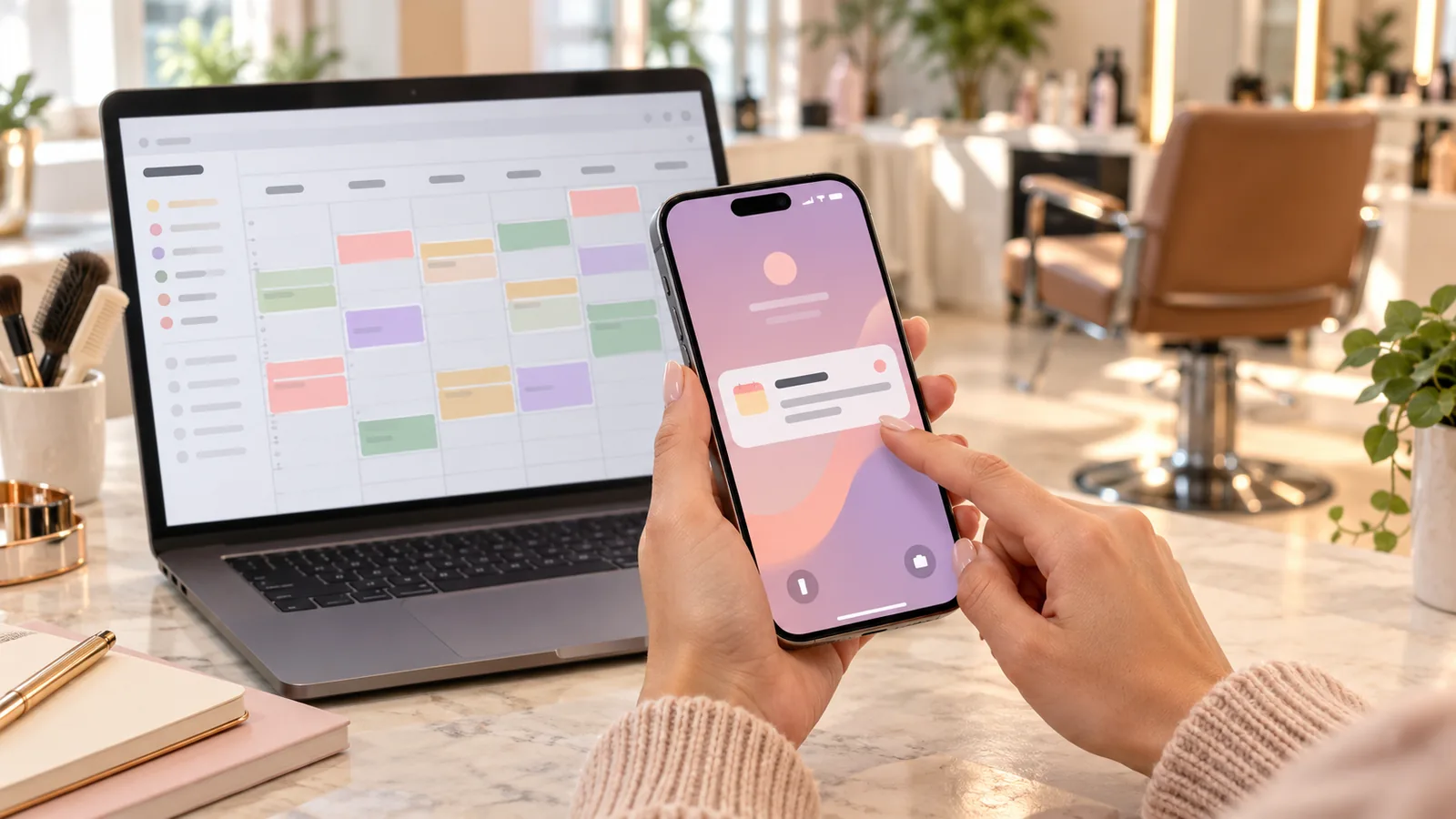
Từ một Google Sheet lịch hẹn, hệ thống tự gửi tin nhắc trước 24 giờ bằng đúng ngôn ngữ khách dùng, giảm khách quên hẹn.
Mỗi khách bỏ hẹn là một ghế trống mất tiền. Tin nhắc 24 giờ trước là cách đơn giản nhất để giảm bỏ hẹn.
Hướng dẫn đầy đủ
### Mẫu Google Sheet "Appointments"Cột: Date (yyyy-mm-dd) | Time (HH:mm) | Name | Phone | Email | Language (EN/VI) | Service | Tech | Reminded (TRUE/FALSE)### Chuỗi prompt**Prompt 1 – Viết mã:**```You are a senior Google Apps Script developer. Write a bound Apps Script for a Google Sheet named "Appointments" with columns: Date, Time, Name, Phone, Email, Language, Service, Tech, Reminded.Every hour, find rows where the appointment is between 23 and 25 hours from now (timezone: [America/Chicago]) and Reminded is not TRUE.For each: build a reminder message in the row's Language (EN or VI) using the templates I give you, send it by email with MailApp to the Email column, then set Reminded = TRUE.Add a function createHourlyTrigger() that installs the time-driven trigger, and a function testOnMyself() that sends one sample message only to [my email].Handle empty rows, bad dates and missing email without crashing; log errors to a sheet "Log".Templates:EN: "Hi {Name}! Reminder: your {Service} at [Salon] is tomorrow {Date} at {Time}. Reply or call [phone] to reschedule."VI: "Chào {Name}! Nhắc lịch: {Service} tại [Salon] vào ngày mai {Date} lúc {Time}. Cần đổi lịch xin gọi [phone]."```**Prompt 2 – Giải thích và cài đặt:** "Giải thích từng bước bằng tiếng Việt cho người chưa từng dùng Apps Script: mở Extensions → Apps Script, dán mã, lưu, chạy testOnMyself, cấp quyền, rồi chạy createHourlyTrigger."**Prompt 3 – Thêm SMS (tùy chọn):** "Sửa mã để gửi SMS qua Twilio API bằng UrlFetchApp thay cho email khi cột Phone có số. Lưu Account SID và Auth Token trong Script Properties, không ghi thẳng trong mã. Thêm giới hạn tối đa 50 tin mỗi lần chạy."### Thử an toànChỉ nhập số và email của chính bạn trong 3 ngày đầu. Kiểm tra sheet "Log". Hỏi khách đồng ý nhận tin nhắn (luật Mỹ yêu cầu đồng ý với SMS thương mại; ghi cột Consent).### Lỗi thường gặpSai múi giờ của sheet (File → Settings), nhắc 2 lần do quên cột Reminded, để lộ token Twilio trong mã.---